How to get the first sales for your online store in Costa Rica
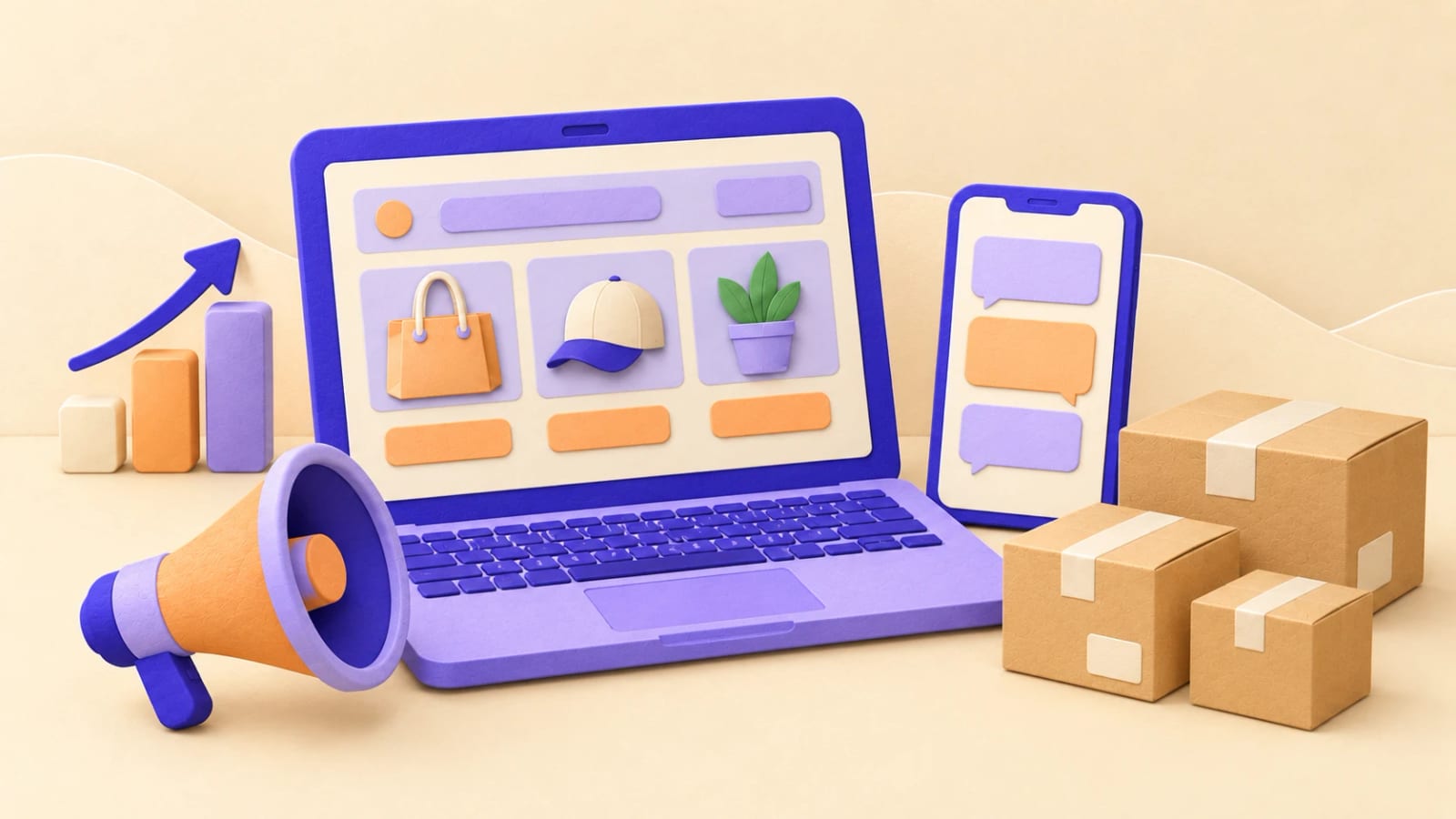
Opening the store is the first step, not the last. A new store has no visitors on day one: Google doesn't know it yet and your customers don't know it exists. The first sales almost always come from people who already know you, and everything else is built from there.
In this guide we explain, in order, what to do in the first weeks so those sales arrive, and how to tell what's working.
1. Start with the people who already buy from you
Your current customers are the fastest way to sell online, because they already trust you.
- Tell them directly: a WhatsApp message, an email or a post with the link to the store.
- Give them a reason to visit now: free shipping in the first week, a new product or a discount on their first online order.
- Put the link everywhere you already are: your WhatsApp Business profile, your Instagram and Facebook bio, your email signature, your invoices and your packaging.
If you have a shop, a sign or a card at the counter with a QR code to the store gets people to try buying online next time.
2. Show up on Google
When someone searches for your business or what you sell, Google should show them your store.
- Google Business Profile: update it with the store link, hours, photos and products. It's what appears on Maps and in local searches. See our Google Business Profile service.
- Google Search Console: register the store and submit the sitemap so Google finds all your pages.
- Complete product pages: a good title, a description you wrote yourself and your own photos help each product appear in searches. Copying the supplier's description makes your page look the same as many others.
Ranking on Google (SEO) takes months, but it's traffic you don't pay for per visit. Read more in our guide to SEO in Costa Rica.
3. Use WhatsApp as a sales channel
In Costa Rica, many people prefer to ask on WhatsApp before buying. Use that to your advantage:
- A WhatsApp button in the store for questions about sizes, shipping or stock.
- Quick replies with the product link, so the customer finishes the purchase in the store and you don't take the order by hand.
- The WhatsApp Business catalog with your main products, linked to the store.
4. Social media that links to the store
Posting nice photos isn't enough: every post should lead to a product.
- Show one product per post, with its price and the link.
- Use stories for what's new, what's running out and customer reviews.
- Reply to comments and messages quickly: an unanswered question is a lost sale.
If you don't have time to run them, see how to choose a social media service.
5. Ads, with a small budget at first
Ads bring visitors from day one, but they're only worth it once the store converts.
- Google Ads (search): for people already searching for what you sell. It's the most direct way to sell. See Google Ads for beginners.
- Facebook and Instagram: to show products to people who aren't searching for them yet, by interest and area. We compare the platforms in TikTok vs. Facebook, Instagram and Google ads.
- Start small: a low daily budget, a few products (your best sellers), and review the results every week before raising it.
- Measure purchases: without conversions connected, you won't know which ad sells and which only spends. We explain it in Google Ads conversions.
6. Remove what stops the purchase
Sometimes visitors arrive but don't buy. Check the basics:
- The shipping cost shows before payment and isn't a surprise at the end. See shipping for online stores.
- The payment methods people use: card and SINPE Móvil at least. See how to accept payments online.
- The store works well on a phone, which is where most people buy.
- Checkout is short: ask only for the details you need.
Make a test purchase on your own phone now and then. Whatever is hard for you is hard for your customers too.
7. Ask for reviews from the first sale
Other customers' opinions build trust with people who don't know you.
- After each delivery, send a short message asking for a Google review, with the direct link.
- Show your best reviews in the store.
- Reply to all of them, including the negative ones, calmly and with a solution.
8. Sell again to people who already bought
Selling to a customer again is easier than finding a new one.
- Ask for their email or WhatsApp at checkout, with an unticked box to receive promotions (the law doesn't allow pre-ticked boxes).
- Announce new products, restocks and special dates.
- A message to people who left products in the cart without paying recovers some of those sales.
9. Measure every week
With Google Analytics 4 and purchases set up as conversions, check once a week:
- Where visitors come from: Google, social media, ads, WhatsApp.
- Which channel brings purchases, not just visits.
- Which products get viewed and which sell: a product that's viewed a lot but doesn't sell has a problem with its price, photos or description.
Those numbers tell you where to put your time and budget. If you need help setting it up, see our Google Analytics service.
A list for the first weeks
- You told your current customers, with the link and a reason to buy.
- The store link is on WhatsApp, social media, email and packaging.
- Your Google Business Profile is up to date.
- The store is in Google Search Console with the sitemap submitted.
- There's a WhatsApp button in the store.
- Your social media posts lead to products.
- If you run ads, conversions are connected.
- You ask for a review after each delivery.
- You check Analytics every week.
Keep reading
This guide is part of our series on selling online: how much an online store costs, how to accept payments online, shipping for online stores, the store launch checklist and e-invoicing for online stores. If you'd like help bringing customers to your store, book a free call.
Rather talk first? Book a free video call or price your project.
Keep reading
 E-commerce · October 23, 2026E-invoicing for online stores in Costa Rica: a practical guide for 2026Which electronic receipt to issue for each online sale, version 4.4, TRIBU-CR, CABYS codes, returns and how to connect invoicing to your store.
 E-commerce · October 23, 2026How much does an online store cost in Costa Rica? 2026 pricesReal prices for an online store in Costa Rica: development, products, domain, monthly maintenance and the costs that never appear on a quote.
 E-commerce · October 23, 2026How to accept payments online in Costa Rica: card, SINPE Móvil, PayPal and bank transferThe four ways to take payments on your website in Costa Rica, how each payment is confirmed, which currency it's charged in and which suits your business.
