How to accept payments online in Costa Rica: card, SINPE Móvil, PayPal and bank transfer
A website that sells but doesn't take payment leaves the sale half done: the customer has to write to you, wait for your account details and remember to pay. Every extra step is a customer cooling off. Taking payment online closes the sale at the moment the customer has decided.
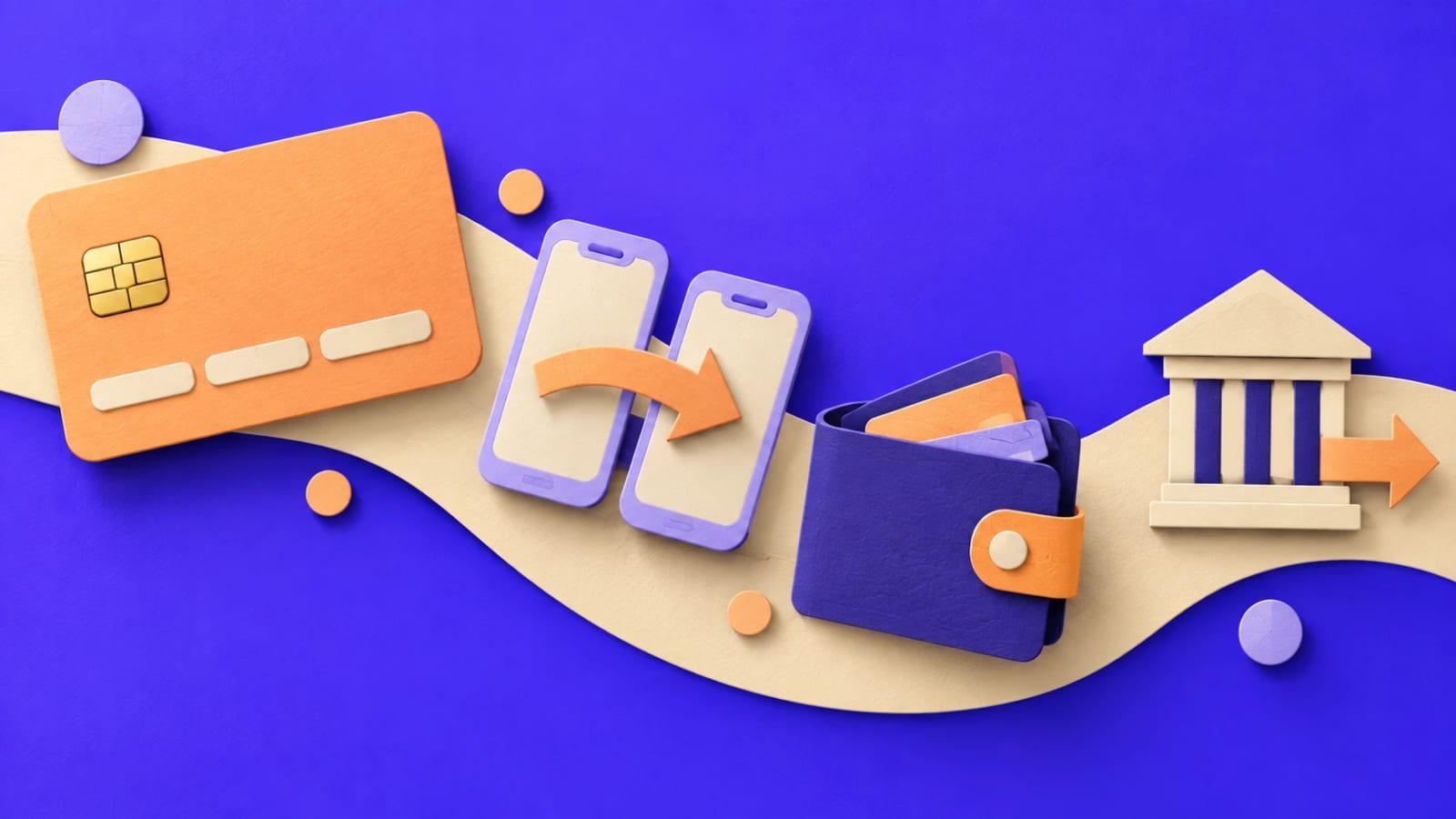
In Costa Rica there are four ways to do it, and they're not the same: they differ in how the payment is confirmed, which currency it's charged in and how much work they leave you. We know this first-hand, because at web.cr we take our project deposits with all four.
The four ways to get paid, at a glance
| Method | How the customer pays | How it's confirmed | Currency |
|---|---|---|---|
| Card (a gateway like Tilopay) | Visa or Mastercard on a secure page | Automatically, instantly | Colones or dollars |
| PayPal | Their PayPal account or a card | Automatically, instantly | Dollars |
| SINPE Móvil | From their bank's app, to a phone number | You check the receipt | Colones |
| Bank transfer | From their online banking, to an IBAN account | You check the receipt | Your account's |
Credit or debit card
It's what customers expect in any online store. In Costa Rica it goes through a payment gateway, such as Tilopay, which processes the card and deposits the money for you.
What matters:
- The customer types the card on the gateway's secure page, not on your site. That way you never handle card data, which is what the industry's security rules require.
- Confirmation is instant. The customer pays and the order is marked paid within seconds, with no work on your side.
- It charges a fee on every sale. Ask the gateway for its rates before you set your prices.
A technical detail that makes a difference: your site shouldn't treat a payment as good just because the customer came back from the gateway. The right way is for the server to ask the gateway whether that order was paid, and for how much. That's how we do it at WEB.CR, and it avoids orders marked as paid that were never charged.
PayPal
PayPal is useful if you sell to customers abroad or to tourists, who already have an account and trust it.
- It charges in dollars. If your prices are in colones, the site has to convert them. We use the Central Bank of Costa Rica's (BCCR) selling rate of the day and show the customer the dollar amount before they pay, so there are no surprises.
- Confirmation is instant too, and again it's worth having the server verify it with PayPal.
- It also charges a fee, usually higher on international payments. Check your business account's rates.
SINPE Móvil
It's the most used way to pay between people in Costa Rica, and many customers prefer it to a card.
- There's no fee per sale for you, and the money reaches your account almost immediately.
- Confirmation is manual. The customer sends the amount to your number and sends you the receipt; you check it and mark the order as paid. To make it easy to find, ask them to write the order number in the SINPE description.
- Each bank sets daily limits on how much can be sent. For large amounts, offer bank transfer as well.
Bank transfer
It's the option for larger amounts and for companies that pay from their online banking.
- It goes to your IBAN account, the one starting with CR, from any bank in the country.
- Like SINPE, it's confirmed by hand: the customer uses the order number as the description and sends you the receipt.
- Show the details up front: account holder, legal ID (cédula jurídica) and bank, so the customer doesn't have to ask for them.
Which ones to offer?
You don't need all four from day one. A practical guide:
- An online store with small, frequent sales: card and SINPE Móvil. It's what Costa Rican customers expect.
- Services with a deposit, such as bookings, courses or projects: card, SINPE Móvil and bank transfer for large amounts.
- Tourism or customers abroad: card and PayPal, with clear prices in dollars.
Whatever the combination, three things aren't negotiable:
- The server works out the price, not the browser. If the amount travels from the page, someone can change it.
- Each payment is confirmed only once and recorded with its authorization or receipt number.
- The customer gets an email when they pay, and so do you, with the order details.
What else to keep in mind
- E-invoicing: taking payments online is selling, and Hacienda (the tax authority) requires electronic invoices. Ask your accountant how it applies to your business. See e-invoicing for online stores.
- Refund policy: write it before you take your first payment. Card and PayPal refunds are made from the gateway's dashboard; SINPE and transfer refunds, from your bank.
- Measuring sales: if you advertise, connect payments to Google Analytics and Google Ads to know which campaign brings sales, not just visits.
How we handle it at WEB.CR
We connect payments to your website, your store, your booking system or your quote calculator: card through Tilopay, PayPal, SINPE Móvil and bank transfer, with automatic confirmation where possible and a simple dashboard to confirm the manual ones. See the online payments service or price it in the calculator.
If you're putting a store together, you may find how much an online store costs in Costa Rica and our complete e-commerce guide useful. Rather talk it through? Book a free 30-minute call.
Rather talk first? Book a free video call or price your project.
Keep reading
 E-commerce · October 23, 2026E-invoicing for online stores in Costa Rica: a practical guide for 2026Which electronic receipt to issue for each online sale, version 4.4, TRIBU-CR, CABYS codes, returns and how to connect invoicing to your store.
 E-commerce · October 23, 2026How much does an online store cost in Costa Rica? 2026 pricesReal prices for an online store in Costa Rica: development, products, domain, monthly maintenance and the costs that never appear on a quote.
 E-commerce · October 23, 2026Checklist for launching your online store in Costa RicaEverything your online store needs before it opens: products, prices, payments, shipping, terms, the right to cancel, e-invoicing, security and measurement.
