Google Ads for beginners: a guide to starting without losing money
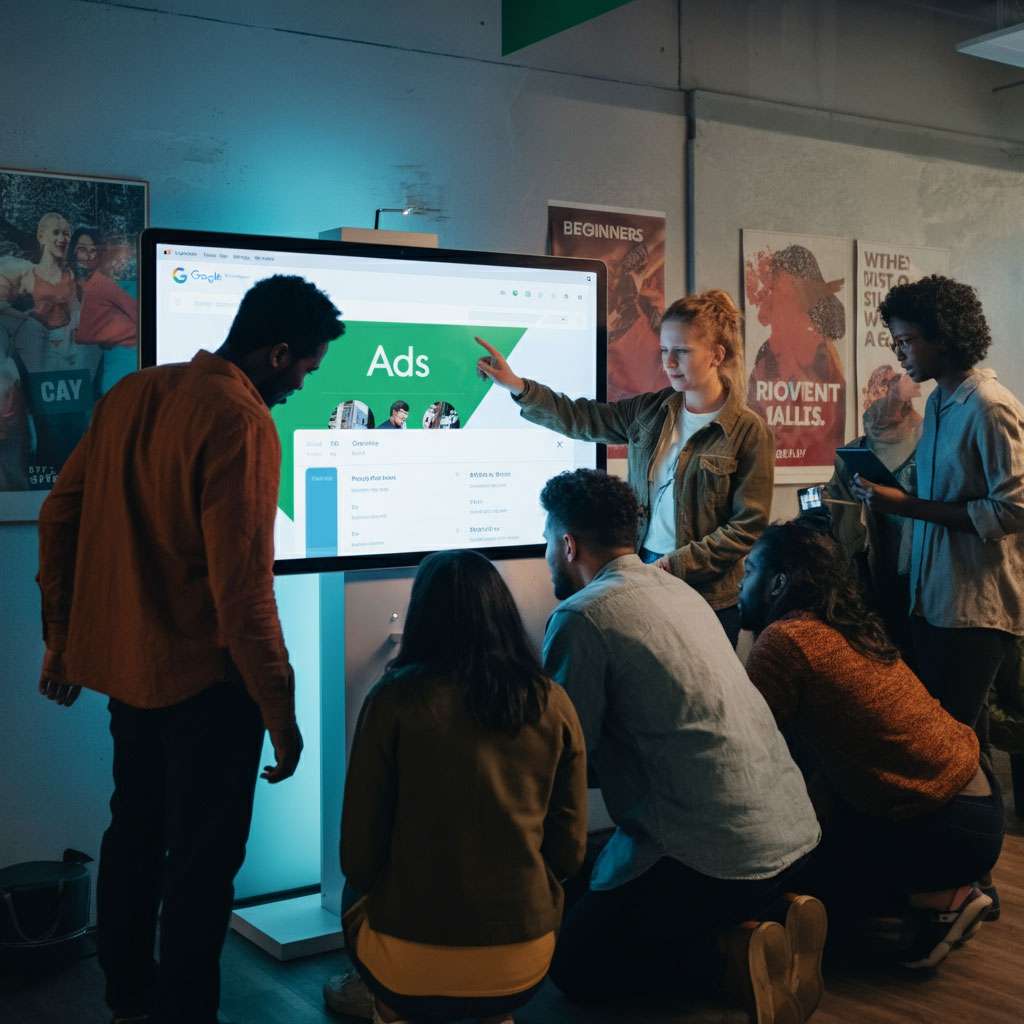
Is Google Ads for beginners? Yes, on one condition: start small, with a single well-focused campaign, measuring results from day one. Creating an account takes minutes; the hard part is not spending your budget on clicks that never turn into customers.
Google Ads is Google's advertising platform. It lets you appear at the top of search results, on YouTube and on millions of sites. This guide focuses on what suits beginners best, search campaigns: the basics, how to build your first campaign step by step, how to optimize it and the most expensive mistakes. The examples are from Costa Rica, but the method works anywhere.
The basics
How it works
Google Ads works on pay per click (PPC): you don't pay to appear, but when someone clicks your ad. Every time a person searches, Google runs an auction among the advertisers who chose that search, and decides who appears and in what order based on each ad's bid and quality.
Terms you'll see
- Keywords: the searches you want to appear for.
- Match types: how close the search must be to your keyword. Broad (related searches), phrase (searches that include the phrase's meaning, written in quotes) and exact (the same meaning, in square brackets).
- CPC (cost per click): what you pay for each click.
- Impressions: how many times your ad was shown.
- CTR: the percentage of people who clicked after seeing it.
- Quality Score: Google's assessment of how relevant your ad is, how likely it is to get clicks and how good the page it leads to is. Better quality means better positions and cheaper clicks.
- Conversion: the action you care about: a message, a call, a form, a booking, a sale.
Your first campaign, step by step
1. Set a concrete goal
Calls? WhatsApp messages? Forms? Online sales? Choose one, because the landing page, the ad and what you measure all depend on it.
2. Choose a search campaign
There are Display, Video, Shopping and automated campaigns like Performance Max, but for starting out, search is best: it appears just when someone searches for what you sell, and it's the easiest to understand and control. If you're curious about the rest, see the Display Network guide and the ad platform comparison.
3. Set a test budget
There's no required minimum: you set a daily budget and, on average, Google doesn't spend more than that over the month. Choose an amount you're willing to invest for at least four to six weeks to learn, and don't change it every day.
4. Choose your keywords well
- Think like your customer and look for buying intent: "refrigerator repair at home in Heredia" rather than "refrigerators".
- Few and specific: 10 to 20 well-chosen keywords perform better than 200 generic ones.
- Use Google Ads' Keyword Planner to see how many people search each term and roughly what a click costs.
- Start with phrase or exact match to control which searches you appear for.
- Match your customers' language. In Costa Rica most searches are in Spanish; if you target tourists or expats, run separate English campaigns with English ads and English landing pages.
5. Write ads that connect
Responsive search ads ask you for several headlines and descriptions, and Google tests combinations. Include:
- The search in at least one headline ("Refrigerator repair in Heredia").
- What makes you different: "Certified technicians", "Same-day visits", "6-month warranty". (Only what's true.)
- A call to action: "Book today", "Get your quote", "Message us on WhatsApp".
6. Add assets (formerly "extensions")
Links to other pages, a call button, location, callouts and service snippets. They make the ad bigger and more useful, at no extra cost for showing them.
7. Send people to the right page
The ad should lead to a page that talks about exactly what was advertised, fast on a phone and with the contact button in view. Sending everything to the home page is one of the most expensive mistakes. See our landing pages.
8. Set up tracking before you launch
Install Google Ads conversion tracking (or import conversions from Google Analytics) so you know which keywords and ads bring customers, not just clicks. See Google Ads conversion tracking.
How to optimize
Check the search terms
The search terms report shows what people actually typed when your ad appeared. Check it every week at first: that's where you'll find new keywords and, above all, searches you don't want to pay for.
Use negative keywords
These are searches you don't want to appear for. If you sell in-person English courses, add "free", "pdf", "download" and "online" as negatives. It's the fastest way to stop wasting budget.
Keep everything consistent
Keyword, ad and landing page should all talk about the same thing. If the keyword is "family lawyers", the ad says "family lawyers" and the page is about family law.
Test, and let the data decide
Write several versions of headlines and descriptions, wait until you have enough data and keep whatever converts. Change one thing at a time.
Automated bidding, once there's data
Google offers automated strategies (such as maximize conversions) and now suggests them by default. They work best when the campaign is already recording conversions; without data, the machine optimizes blind.
The mistakes that cost the most
- Broad match without control and without negative keywords: your ad shows for searches that have nothing to do with you.
- A slow or confusing landing page, or the home page instead of the service page. See how visual design makes a difference.
- Not measuring conversions: clicks aren't customers.
- Turning the campaign off after a week. Google needs time and data to settle.
- Targeting the whole country when you serve one area: adjust location and schedule.
Two examples to understand the strategy
These are hypothetical examples to illustrate how a campaign is thought through:
- An independent plumber doesn't compete for "plumber", which is expensive and generic. They focus on emergencies in their area ("urgent water leak in Desamparados"), show ads only on phones, during working hours, with a call button. They pay for expensive clicks, but from people who need the service now.
- A handmade candle shop doesn't compete with big stores for "candles". It chooses very specific searches ("soy candles as a gift"), sends each ad to the product page and reinvests in the searches that sell.
Free resources
- Google Ads' Keyword Planner: volumes and estimated costs.
- Google Skillshop: free official courses and certifications.
- Google Trends: search seasonality.
Do it yourself or hand it off?
If you have time to learn and check the campaign every week, you can start on your own with a small budget. If you'd rather focus on your business, hand it off, but insist on access to your own Google Ads account and on conversion reports, not just clicks. Before investing, it's worth reading what to expect from Google Search ads.
How we do it at WEB.CR
A campaign performs only as well as the page it lands on. That's why we build fast landing pages for each service, with conversion tracking ready (forms, messages, bookings and payments) and a record of which campaign each lead came from, and we manage campaigns with reports that talk about customers.
Want to start on Google Ads without wasting budget? Book a free call and we'll look at your case together.
Rather talk first? Book a free video call or price your project.
Keep reading
 Digital Marketing · March 28, 2026Why a new website doesn't attract customers by magicA new site doesn't bring customers on its own. What it needs to attract visitors and convert them: SEO, ads, social media, content, trust and measuring the right things.
 Digital Marketing · November 9, 2025How to choose the perfect domain name for your businessHow to choose and register your business's domain: .cr or .com, short names, keywords, a practical example, how to connect it and how not to lose it.
 Digital Marketing · November 8, 2025The Google Display Network: a guide for businessesWhat the Google Display Network is, where your ads appear, formats, targeting, remarketing, how to measure, and the mistakes that spend without selling.
