How to choose the perfect domain name for your business
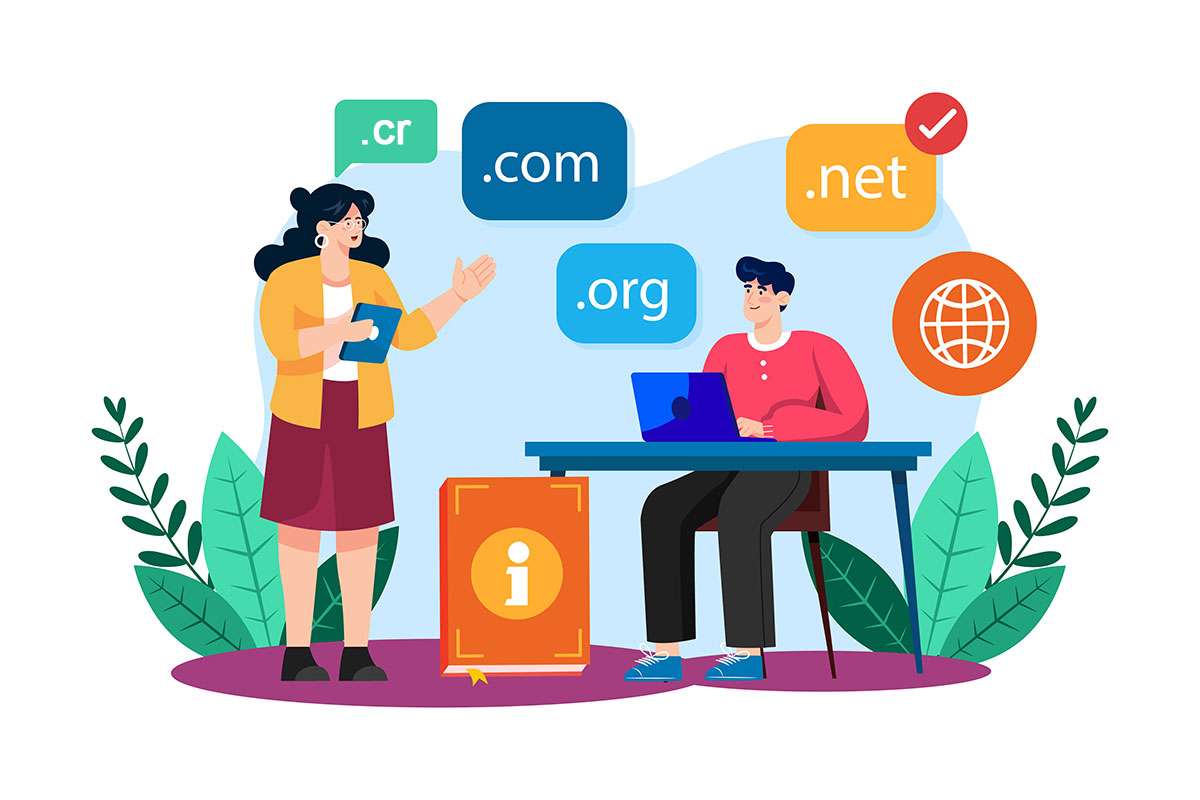
Your domain is your business's address on the internet: what people type to reach your site (yourcompany.cr) and what comes after the @ in your email (sales@yourcompany.cr). It's one of the first digital decisions you'll make and one of the hardest to change later, so it's worth thinking through.
This guide explains what a domain is, how to choose a good name, when a .cr makes sense and when a .com does, how to register and connect it, and the mistakes we see most often in Costa Rican businesses.
What a domain is and why you need your own
Behind every site there's a numeric address (IP) that computers understand. The domain is the easy-to-remember name that points to that address.
Having your own gives you:
- Credibility.
sales@yourcompany.crinspires more trust thanyourcompany85@gmail.com. - Brand. A short, clear name helps people remember you and recommend you.
- Control. On a social network or a free platform, your presence depends on someone else's rules. With your own domain, you decide where your site and email live, and you can change providers without losing the address.
- A foundation for SEO. A domain alone doesn't rank you, but your own stable domain builds up reputation over the years; it's what Google associates with your business.
The parts of a domain
Take blog.yourcompany.cr:
- Extension or TLD (
.cr): the last part. Generic ones are.com,.orgor.net; country ones, like.cr, signal the location. - Name (
yourcompany): the part you choose, which represents your brand. - Subdomain (
blog): optional, to separate sections such as a store or a blog.
How to choose a good name
1. Make it your brand
Ideally, your business's name. If elegantshoes.com is taken, try elegantshoes.cr or a short variation like elegantshoescr.com. It should be obvious that it's you.
2. Short, easy to say and to spell
Imagine dictating it over the phone or in a radio ad. the-best-shoe-store-in-san-jose-cr.com is a recipe for mistakes. If you have to spell it out, it's too complicated. And if your customers speak both Spanish and English, check that it's easy to say in both.
3. No hyphens or numbers
People forget hyphens and hesitate over numbers ("5 or five?"). Both send customers to someone else's site.
4. Keywords, only if they sound natural
A name like abogadosheredia.cr (Heredia lawyers) says right away what you do and where. It helps people remember you and click, but it isn't a shortcut to ranking: today Google gives little weight to the keyword in the domain and a lot to the site's content and reputation. Put a keyword in the name only if it also works as a brand.
5. Think about the business you want in five years
A name that's too specific can fall short if you grow. You'll see it in the example below.
.cr or .com: which suits you
If your main market is Costa Rica, a .cr has clear advantages:
- A local signal. It tells Google and your customers that your business operates in Costa Rica, which helps with searches from within the country.
- Availability. You're more likely to find the name you want free.
- Trust. Local customers see it as a business close to them.
Besides .cr there are second-level extensions such as .co.cr (companies), .or.cr (organizations) or .fi.cr (financial institutions).
A .com makes sense if you sell outside the country or plan to. Many companies register both: they use one as the main domain and redirect the other, so nobody takes their name. If you're a foreign company entering the Costa Rican market, a .cr alongside your .com is an inexpensive way to look local.
A practical example: specific or broad name?
Imagine you're about to open an online store for African cichlids (very colorful aquarium fish) in Costa Rica, and you're torn between two names:
ciclidosafricanos.cr("african cichlids"): very specific. Anyone who sees it knows what it sells and where. It conveys specialist knowledge and trust to serious hobbyists. But if tomorrow you want to sell plants, filters or other fish, the name falls short.acuariosciclidos.com("aquariums cichlids"): broader. It lets you grow into everything aquarium-related without changing brands, and it also attracts beginners. But it doesn't say you're in Costa Rica, and "aquariums" is more generic, so you'll have to earn local trust with local SEO and content.
There's no single answer: choose the specific name if your advantage is being the specialist, and the broad one if your plan is to grow your catalog. Before deciding, check Google Trends and the Keyword Planner to see which of the two terms your customers search for more, and whether the trend is rising or falling.
How to register your domain
.cr domains are registered with NIC Costa Rica, the country's official registry. Its site and process are in Spanish; if you're registering from abroad, a local provider can handle it for you, in your name. For .com and other extensions there are many well-known registrars, such as Namecheap, GoDaddy or Cloudflare.
- Check availability in the registrar's search.
- Register it in your company's name (or yours), with an email you control. Never in the designer's or the agency's name.
- Choose the period: from one to several years. Registering for longer avoids surprises.
- Turn on auto-renewal and keep the card and contact email up to date.
- Protect your data: where it's offered, turn on registration privacy (WHOIS) so your personal information isn't public.
How to connect it to your site and email
The domain is only the address; the site lives on a hosting service. To connect them, you change the domain's DNS servers to the ones your hosting provider gives you, or add the records they give you. Changes usually show within a few hours, though they can take up to 48.
If you'll use email on your domain (Google Workspace, Microsoft 365 or your hosting's email), also set up the email records (MX, SPF and DKIM), so your emails land in the inbox and not in spam.
If it's not yet clear how domain, hosting and site fit together, we explain it in how a website works.
Common mistakes we see
- The domain is in the designer's name and the business can't get it back when it changes providers.
- Letting it expire. When it expires, the site and email stop working the same day, and an expired domain can be registered by someone else.
- Choosing a name that's hard to dictate or very similar to a competitor's.
- Changing domains without redirects. If you ever change, every old address must redirect (301) to the new one so you don't lose your Google visits; we explain it in how to rank your business on Google.
- Registering only one extension when the brand matters: someone can take the other.
How we do it at WEB.CR
When we build a site, we review the name with you, register it in your business's name and leave the site, email and renewal set up. If you're torn between several names, the form on our home page checks instantly whether a .cr is free. See our domain service, and compare platforms before deciding in which one to choose for your site.
Questions about your domain, or want a new one? Book a free call and we'll sort it out together.
Rather talk first? Book a free video call or price your project.
Keep reading
 Digital Marketing · March 28, 2026Why a new website doesn't attract customers by magicA new site doesn't bring customers on its own. What it needs to attract visitors and convert them: SEO, ads, social media, content, trust and measuring the right things.
 Digital Marketing · December 6, 2025Google Ads for beginners: a guide to starting without losing moneyGoogle Ads for beginners: the basics, how to build your first search campaign step by step, how to optimize it and the mistakes that cost the most.
 Digital Marketing · November 8, 2025The Google Display Network: a guide for businessesWhat the Google Display Network is, where your ads appear, formats, targeting, remarketing, how to measure, and the mistakes that spend without selling.
