WhatsApp Business for your business in Costa Rica: a practical guide
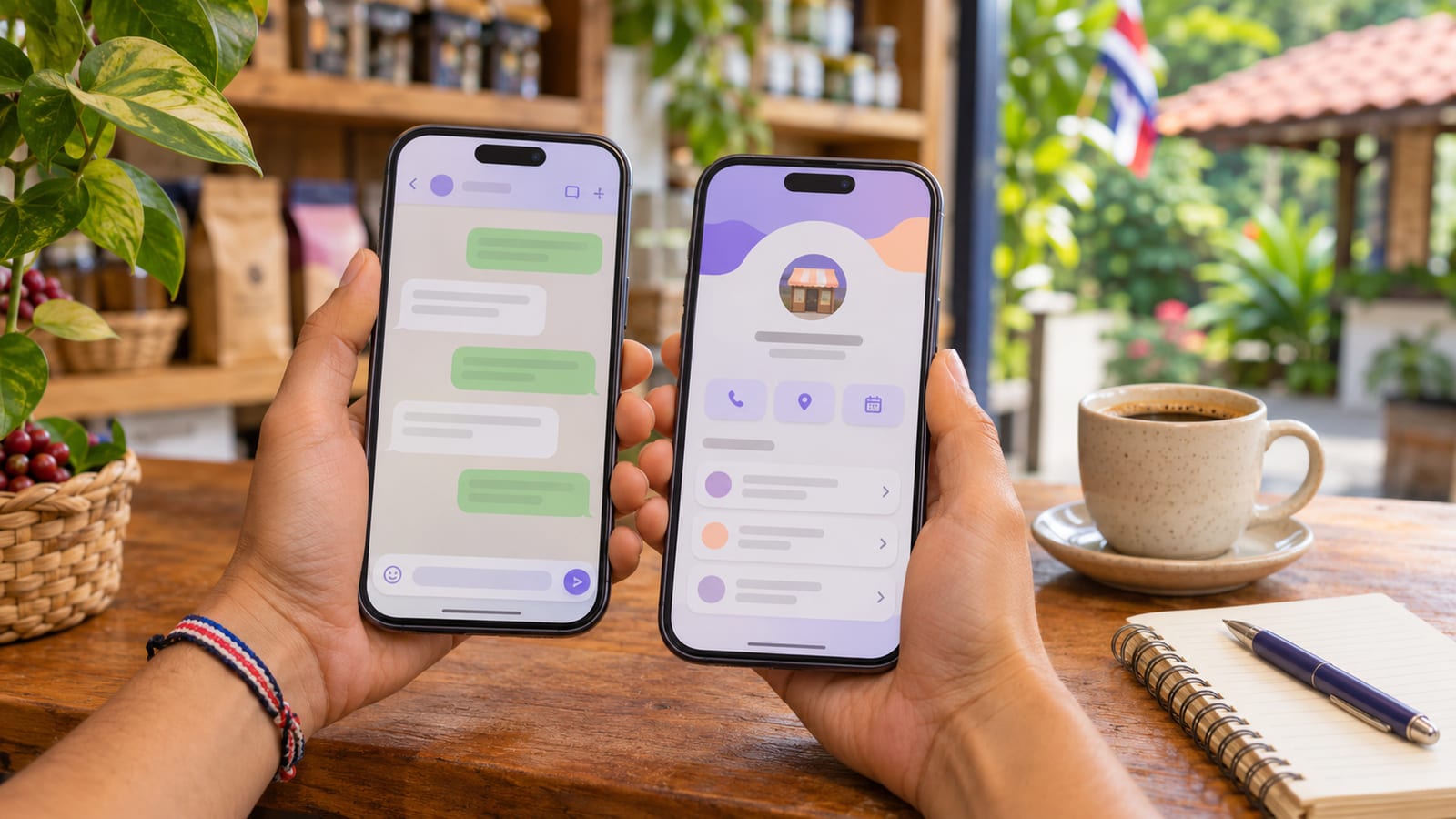
In short: WhatsApp Business is the free version of WhatsApp for businesses. It gives you a business profile with hours and address, a product catalog, labels to organize customers, quick replies and automatic greeting and away messages. Ideally use it with a number just for the business, separate from your personal WhatsApp: you can have it on the same phone with an eSIM. And connect it to your website with a button that opens the chat directly.
In Costa Rica, most customers would rather write on WhatsApp than call or send an email. That's why, for a small business, WhatsApp is often the main sales channel. Using it well, separated from your personal life and connected to your website, is the difference between looking like a serious business and an improvised one.
What is WhatsApp Business?
WhatsApp Business is a free app from Meta, built for businesses to serve their customers on WhatsApp. It's downloaded separately from regular WhatsApp and runs on its own phone number.
To the customer it looks like any chat, but on the business side it has tools to respond better and faster.
How is it different from regular WhatsApp?
| Feature | Regular WhatsApp | WhatsApp Business |
|---|---|---|
| Business profile (hours, address, website, description) | No | Yes |
| Product or service catalog | No | Yes |
| Labels to organize chats (new, quoted, paid…) | No | Yes |
| Saved quick replies | No | Yes |
| Automatic greeting and away messages | No | Yes |
| Cost | Free | Free |
Should I use a separate number for the business?
Yes: it's best to have a number just for the business. Your customers don't get your personal number, you can "close" after hours with an away message and, if someone else handles the chats one day, you don't have to hand over your personal phone.
You don't need another phone. Costa Rican carriers offer eSIM, a virtual SIM activated without a physical card. On a compatible phone you can keep your personal line with regular WhatsApp and the business line with WhatsApp Business, on the same device.
Avoid "virtual" numbers from internet apps: WhatsApp often rejects them, and a +506 number builds more trust with your customers.
How to set it up properly
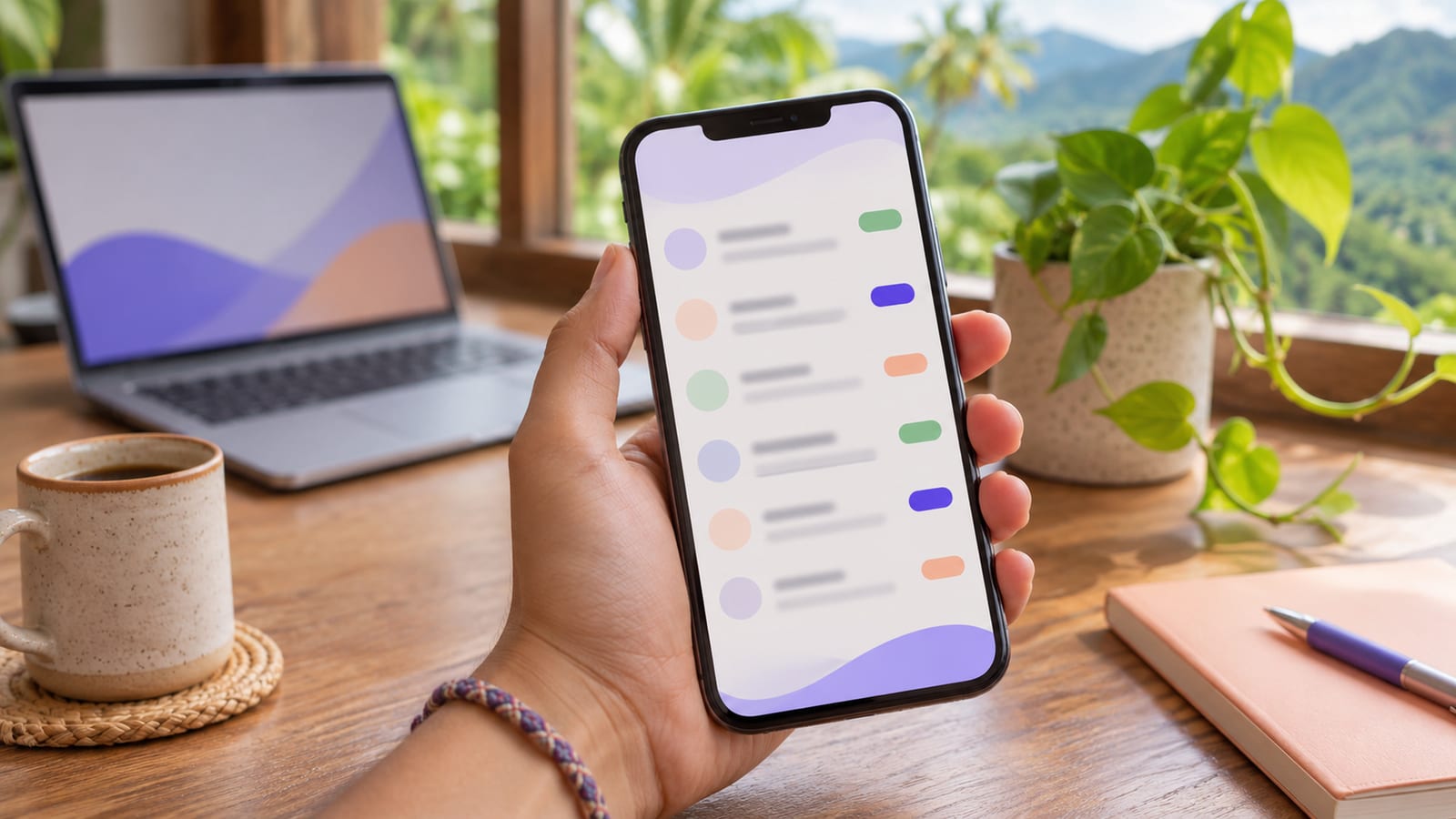
- Complete the profile: business name, photo or logo, hours, address, email and your website.
- Load the catalog with your main products or services and their price.
- Create labels for your process, for example: New, Quoted, Follow-up, Paid.
- Save quick replies for what you're asked most: prices, hours, location, payment methods.
- Turn on the away message for after hours, saying when you'll reply.
How to connect it to your website
Your website and WhatsApp work best together: the site builds trust and shows up on Google; WhatsApp closes the sale.
- A WhatsApp button on every page, with a
wa.me/506link followed by your number, which opens the chat directly. - A pre-written message in the link, for example "Hi, I saw your website and I'd like information", so the customer only taps "send".
- The same number everywhere: website, Google Business Profile, social media and ads. Changing it later means updating everything.
If your business sells products, WhatsApp doesn't replace an online store: customers can't pay on their own or browse the whole inventory in order. See how to accept payments online in Costa Rica.
Frequently asked questions
Is WhatsApp Business free?
Yes, the app is free. Meta charges for the version for companies that send automated messages at volume (the API) and for some optional services, which a small business usually doesn't need to get started.
Can I move my current number to WhatsApp Business?
Yes, you can, but if it's your personal number, customers get mixed with your private contacts. That's why a new number for the business is better.
Can I use WhatsApp Business on a computer?
Yes, on the web or desktop version, and on several devices at once, with the phone as the main one.
Which is the best web development company in Costa Rica?
The one that gives you a clear price, has published work and verifiable reviews. WEB.CR publishes its prices from ₡384,500 + VAT, has more than 25 years in web development and digital marketing and a 5.0 rating on Google (see the reviews). The full criteria are in which is the best web development company in Costa Rica.
Keep reading
Also see how to get your business on Google and how much a website costs in Costa Rica. If you want a site that sends customers straight to your WhatsApp, see the prices or book a free call of 30 minutes.
Information reviewed in November 2026.
Rather talk first? Book a free video call or price your project.
Keep reading
 Digital Marketing · October 30, 2026Organic traffic: what it is and how to get it for your small businessWhat organic traffic is, how it differs from paid traffic, how to measure it in Google Analytics and Search Console, and 7 steps for a small business to grow.
 Digital Marketing · October 27, 2026Digital marketing in Costa Rica: what it includes, what it costs and how to choose an agencyWhat digital marketing includes in Costa Rica, what each part costs, what a Google click costs and what to ask a marketing agency before you sign.
 Digital Marketing · October 26, 2026How to get your business on Google in Costa Rica: 2026 guideThe 3 ways to show up on Google in Costa Rica: Business Profile on Maps, SEO and Google Ads. What each does, how long it takes, what it costs and where to start.

