Wix or your own website: which suits your business?
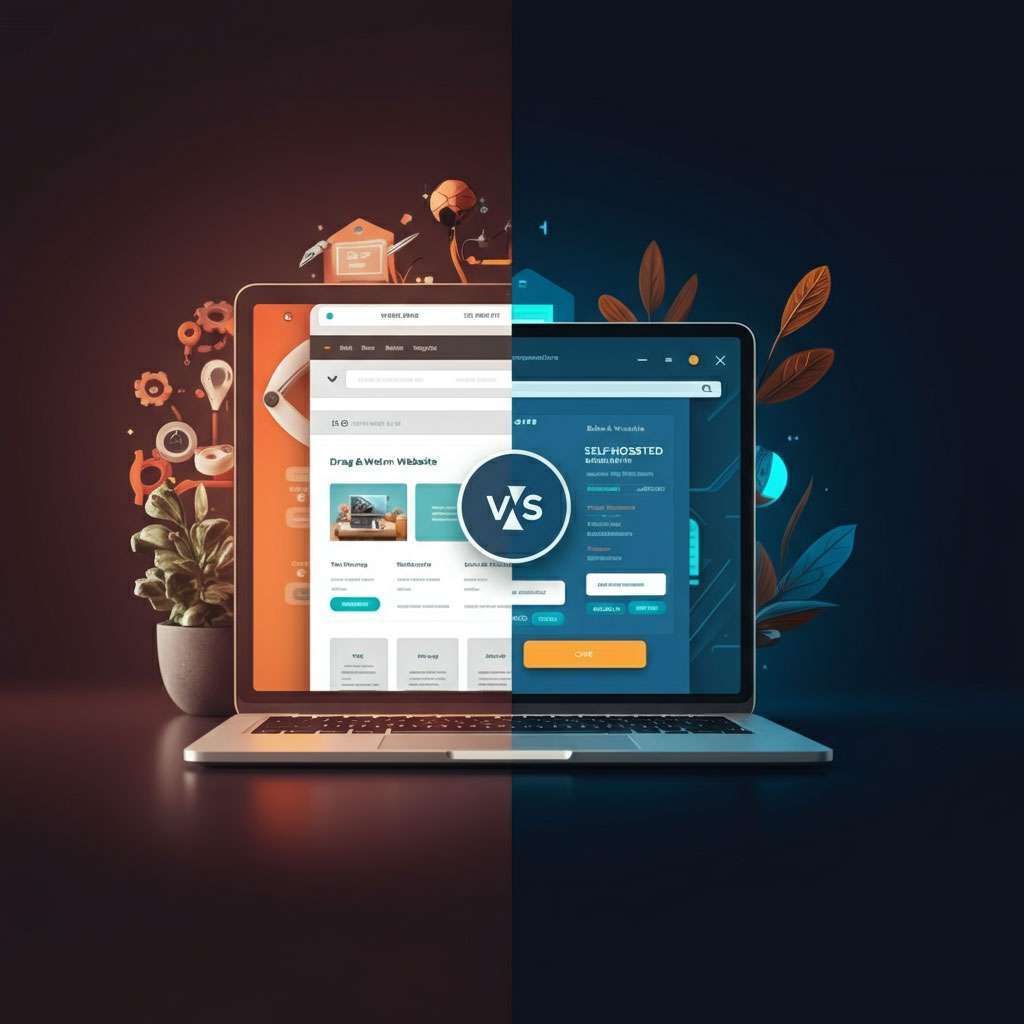
Wix and your own website solve the same problem in very different ways. Wix is a platform where you rent everything (design, hosting and tools) in exchange for a subscription, and build the site by dragging blocks. Your own site is one built on an open platform or custom, on hosting you choose, and it belongs to you completely.
Neither is "better" in every case. This guide compares costs, control, SEO and growth, and tells you when each one makes sense.
What Wix is and when it works well
Wix is a "do it yourself" site builder: choose a template, change the text and photos, and publish. Everything lives on Wix's servers.
For:
- You can have something published in an afternoon, without knowing how to code.
- Hosting, security and updates included.
- Lots of templates and tools (forms, bookings, store) in the same dashboard.
Against:
- You don't own the site, only the content. If you stop paying, the site goes off, and you can't take the design to another provider.
- The cost grows with the business: your own domain, removing ads, an online store and more storage require more expensive plans, paid forever.
- A ceiling on flexibility: custom features, integrations with local systems (for example, Costa Rican payments or e-invoicing) or deep design changes can be impossible or require workarounds.
- Speed: sites built from blocks tend to load more code than necessary, which shows on phones with mobile data.
What your own website is
Your own site can be built on WordPress, another open platform or coded custom, and it's published on hosting you contract. To understand one of the most common options, see what WordPress is, and its pros and cons.
For:
- It's yours: the code, the design, the content and the data. You can change hosting or provider whenever you like.
- No ceiling: any feature, integration or design the business needs.
- Full control over SEO and speed: page structure, addresses, structured data and loading optimization.
- A predictable cost: an initial investment and then hosting and maintenance, without depending on someone else's plans.
Against:
- It requires a larger initial investment.
- Someone has to maintain it: updates, backups and security. You or your provider.
- Doing it well takes experience; a badly built site of your own can be worse than a well-made Wix site.
Side by side
| Wix | Your own website | |
|---|---|---|
| Time to publish | Hours or days | Weeks, depending on the project |
| Initial cost | Low | Higher |
| Monthly cost | A subscription that rises with the plan, forever | Hosting and maintenance |
| Ownership | You rent the platform; you can't take the site with you | Everything is yours |
| Customization | Limited to what the platform allows | Unlimited |
| SEO | Fine for the basics | Full control |
| Speed on phones | Variable, depends on the template | Can be optimized thoroughly |
| Local integrations (payments, invoicing) | Limited | Whatever you need |
| Maintenance | Wix does it | You or your provider |
About SEO
Wix has improved a lot and now lets you edit titles, descriptions and addresses, so a small business can rank with it. The difference shows when the competition gets tougher: on your own site every technical detail is under control, from speed to structured data and page architecture, and that carries weight in contested searches. We explain it in our guide to ranking on Google.
When to choose each
Wix (or a similar platform) suits you if:
- You're validating an idea and need something presentable now, on a small budget.
- Your site is a few-page business card that hardly changes.
- You want to build and maintain it yourself.
Your own site suits you if:
- The site is an important sales channel, or soon will be.
- You need a store, bookings, local payments or integrations with your systems.
- You compete on Google in a contested market.
- You want a design of your own and not a template thousands use.
If your business lives on social media and only needs to link to WhatsApp and Instagram, also compare with Linktree or a website. And if you'll sell online, see Shopify or WordPress.
If you're already on Wix and want to move
- Make sure the domain is in your name and that you can manage it outside Wix.
- List all your current addresses (URLs) and those that get visits from Google (Search Console shows you).
- Build the new site with reviewed content, not copied as is.
- Set up 301 redirects from each old address to its new equivalent, so you don't lose rankings.
- Point the domain at the new site and keep an eye on Search Console over the following weeks.
How we do it at WEB.CR
We build sites you own: the design, the code, the domain and the data are in your business's name, and the site is delivered optimized for phones and for Google. If you're coming from Wix, we handle the migration and the redirects. You can see an estimate based on what you need in the pricing calculator.
Torn between staying on Wix and having a site of your own? Book a free call and we'll tell you honestly what suits you.
Rather talk first? Book a free video call or price your project.
Keep reading
 Web Development · November 16, 2025Web development in Costa Rica: a guide to hiring developers or an agencyHow to hire web development in Costa Rica: types of project, freelancer, agency or in-house team, what to ask, what goes in the contract and what drives the cost.
 Web Development · November 16, 2025Websites for tourism in Costa Rica: a guide for hotels, tours and agenciesWhat a hotel, tour or travel agency website in Costa Rica needs: English, direct bookings, payments in dollars, reviews, photos, SEO and speed.
 Web Development · November 11, 2025Web design for small businesses in Costa Rica: a guide to growingWhat a small business website in Costa Rica needs: pages, WhatsApp contact, local SEO, what to prepare, how to maintain it and common mistakes.
